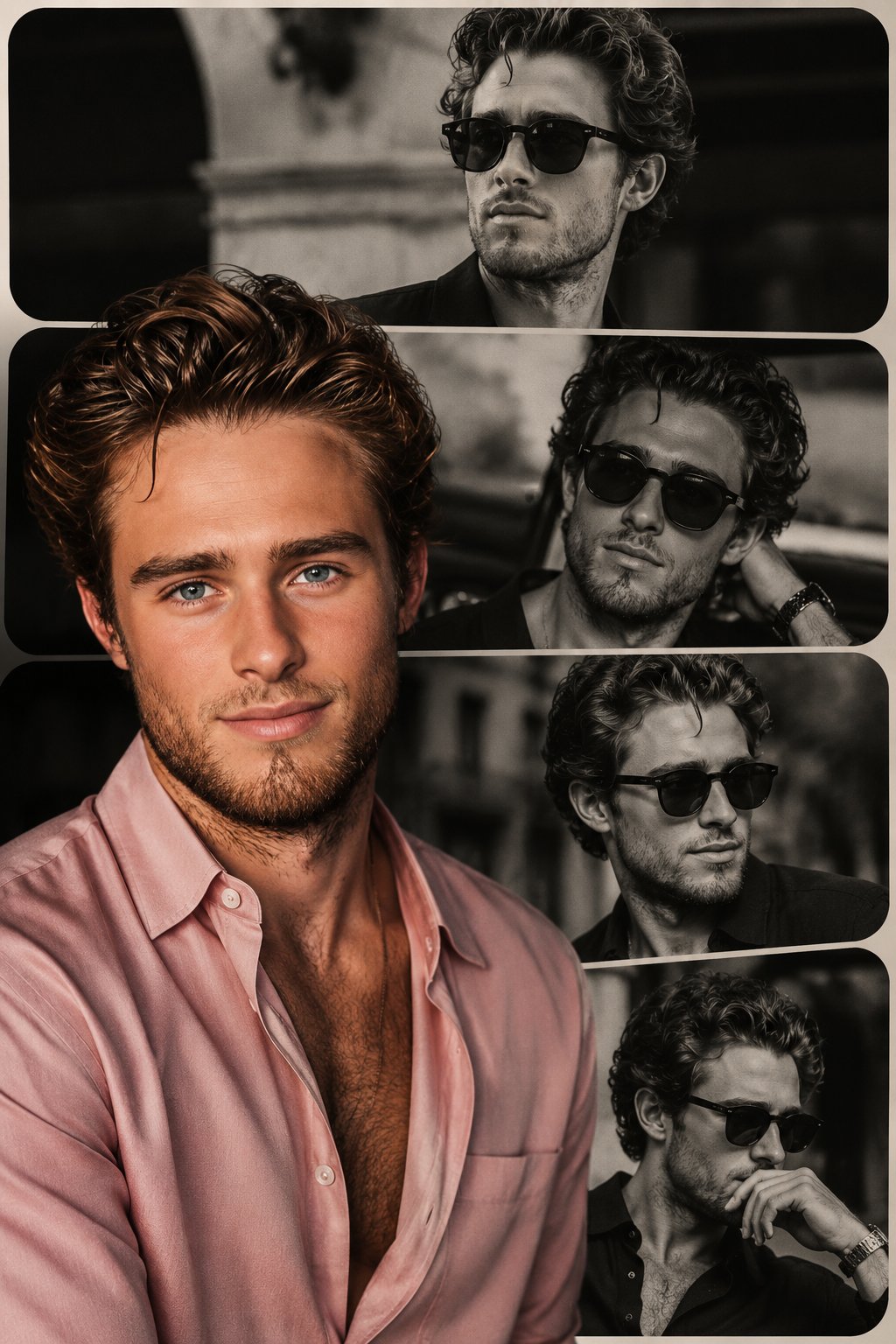
Why this prompt works
It defines the core subject and headline, specifies typography style, lighting, texture, colors, and composition to guide the model toward a cinematic, high-contrast poster with strong readability.
Use this section when you need the complete GPT Image2 prompt wording, not just the summary. Review the structure, copy the full GPT Image2 prompt as-is, and then replace the subject, brand, style, or use case to fit your own workflow. This full GPT Image2 prompt block is the best place to study how the prompt is assembled before you test your own version. Treat this GPT Image2 prompt section as the source text you refine step by step.
{ "type": "e-commerce landing page hero section", "brand": "{argument name=\"brand name\" default=\"CLEAR RESET\"}", "theme": "refreshing skincare, clean aesthetic, water bubbles background", "color_palette": ["white", "{argument name=\"primary color\" default=\"teal\"}", "light blue"], "layout": { "header": { "logo": "CLEAR RESET", "navigation_links": {"count": 5, "labels": ["About Product", "About Pores/Acne", "Ingredients", "How to Use", "FAQ"]}, "action_buttons": {"count": 2, "labels": ["Buy Now", "My Page"]} }, "hero_content": { "headline": "{argument name=\"main headline\" default=\"毛穴・ニキビ悩みに、すっきり澄んだ肌へ。\"}", "subheadline": "Balances sebum and clears pores. Non-sticky, medicated skincare for comfortable daily use.", "vertical_copy": "Prevents recurring rough skin and acne, leading to smooth, clear skin." }, "visuals": { "model": "{argument name=\"model description\" default=\"young Asian woman with clear radiant skin, hair tied up, smiling softly\"}", "products": { "count": 2, "description": "{argument name=\"product type\" default=\"acne care gel tube and lotion bottle\"}", "placement": "center" }, "background": "light blue gradient with floating water bubbles" }, "feature_highlights": { "count": 4, "style": "circular icons with text below", "labels": ["Quasi-drug", "Pore Care", "Non-sticky", "Daily Use Morning/Night OK"] }, "call_to_action": { "banner_text": "Limited to first-time buyers", "buttons": {"count": 2, "labels": ["Try it at a discount", "See details"]} }, "statistics_cards": { "count": 4, "style": "white rectangular cards with large teal numbers", "labels": ["Satisfaction 92%", "Pore visibility -23%", "Acne prevention 87%", "Want to repeat 97%"] } } }
It defines the core subject and headline, specifies typography style, lighting, texture, colors, and composition to guide the model toward a cinematic, high-contrast poster with strong readability.
Create a premium editorial poster for the headline "[TITLE]" with [TYPOGRAPHY STYLE], [LIGHTING STYLE], [COLOR PALETTE], [TEXTURE], [COMPOSITION], and [MOOD/ATMOSPHERE].
Use this GPT Image2 prompt as a working reference, not just a one-off sample. Keep the structure that already defines the output clearly, then replace the subject, typography, environment, campaign context, or aspect ratio to match your own goal. If you need more examples before rewriting the GPT Image2 prompt, go back to the Product Marketing category page or continue into the related prompts below. This GPT Image2 prompt workflow works best when you keep the original structure visible while you rewrite each key variable. A stable GPT Image2 prompt baseline usually makes revision work much faster.
Start by copying the full GPT Image2 prompt, then replace the subject, style language, and output goal with your own brief. Keep the visual structure if you want results in the same direction, and reuse the GPT Image2 prompt skeleton before you add brand-specific details. In practice, this GPT Image2 prompt works best when you change a small number of variables per iteration.
You can change the headline, product, mood, lighting, composition, typography, and end use while keeping the core GPT Image2 prompt logic that makes the example useful. In most cases, the best result comes from editing one GPT Image2 prompt variable at a time instead of rewriting everything at once. That keeps the GPT Image2 prompt structure stable while you test new creative directions.
Continue browsing
Explore more from the product marketing collection to compare GPT Image2 prompt structures, visual directions, and reusable ideas that stay close to this example. Open another GPT Image2 prompt example if you want a nearby variation before rewriting your final version. That extra GPT Image2 prompt comparison step often helps you refine the final wording with less guesswork.