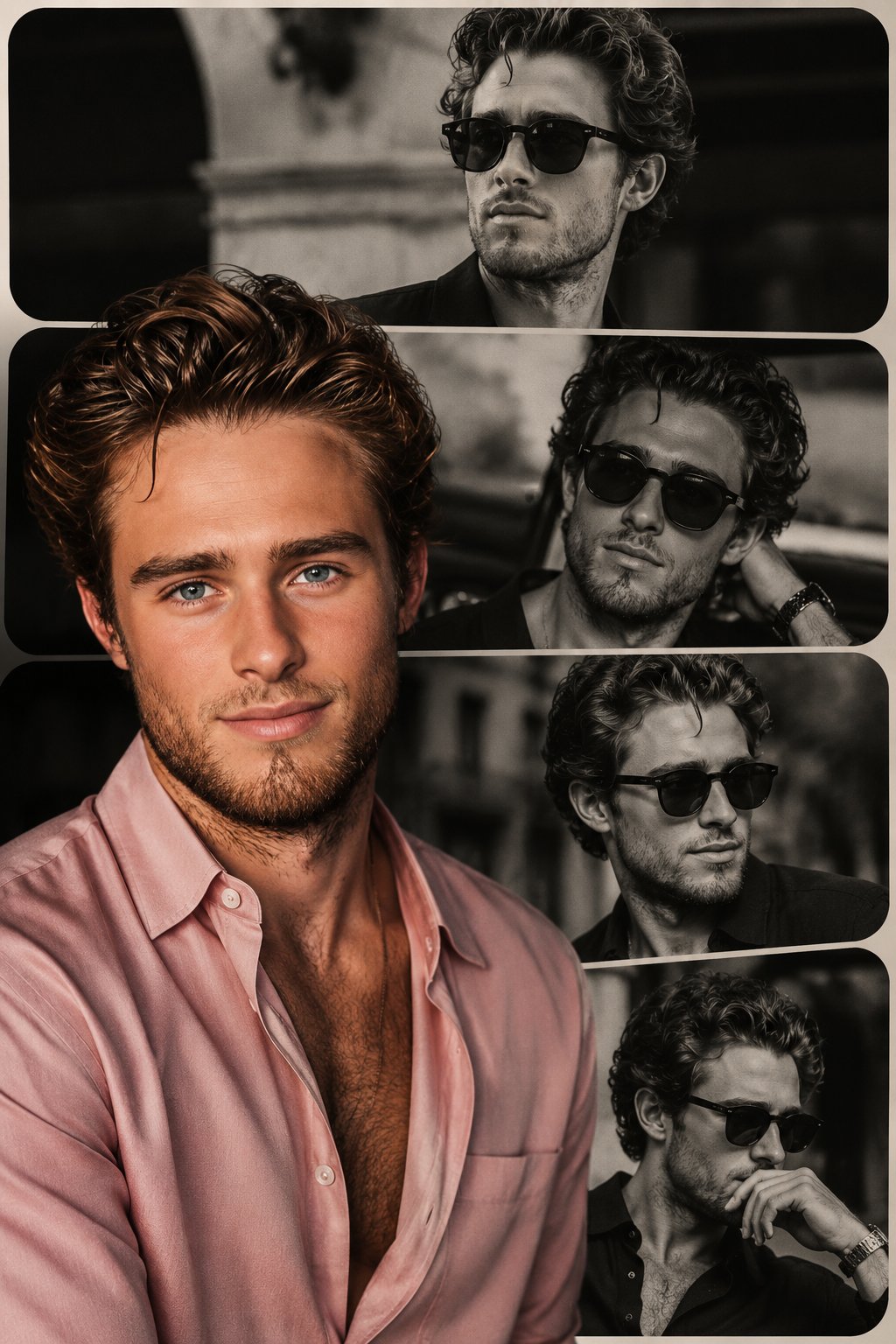
Why this prompt works
It defines the core subject and headline, specifies typography style, lighting, texture, colors, and composition to guide the model toward a cinematic, high-contrast poster with strong readability.
Use this section when you need the complete GPT Image2 prompt wording, not just the summary. Review the structure, copy the full GPT Image2 prompt as-is, and then replace the subject, brand, style, or use case to fit your own workflow. This full GPT Image2 prompt block is the best place to study how the prompt is assembled before you test your own version. Treat this GPT Image2 prompt section as the source text you refine step by step.
A bright, summery commercial product photography shot featuring a refreshing beverage on a weathered wooden table. In the sharp foreground, there is 1 tall glass filled with a golden, bubbly iced drink garnished with 1 lemon slice and a sprig of rosemary, sitting next to 1 silver aluminum can covered in cold condensation. The can prominently displays the English text {argument name="product name" default="TOKYO HIGHBALL"} below a small gold star logo, featuring a graphic of the drink itself and the Japanese text "アルコール分 7%" near the bottom. To the right of the can, 2 cut lemon wedges rest on the table. In the softly blurred background, a sunny beach scene unfolds with sparkling turquoise water and a clear blue sky. Standing to the left in the background is 1 young woman with long brown hair, wearing a white sleeveless top and a light blue skirt, looking out toward the ocean. Floating elegantly in the sky above the scene is the Japanese text {argument name="catchphrase" default="夏、これがいい。"}. The overall lighting is radiant and inviting, with sparkling bokeh and lens flares emphasizing the crisp, cold, and refreshing atmosphere of a perfect summer day.
It defines the core subject and headline, specifies typography style, lighting, texture, colors, and composition to guide the model toward a cinematic, high-contrast poster with strong readability.
Create a premium editorial poster for the headline "[TITLE]" with [TYPOGRAPHY STYLE], [LIGHTING STYLE], [COLOR PALETTE], [TEXTURE], [COMPOSITION], and [MOOD/ATMOSPHERE].
Use this GPT Image2 prompt as a working reference, not just a one-off sample. Keep the structure that already defines the output clearly, then replace the subject, typography, environment, campaign context, or aspect ratio to match your own goal. If you need more examples before rewriting the GPT Image2 prompt, go back to the Product Marketing category page or continue into the related prompts below. This GPT Image2 prompt workflow works best when you keep the original structure visible while you rewrite each key variable. A stable GPT Image2 prompt baseline usually makes revision work much faster.
Start by copying the full GPT Image2 prompt, then replace the subject, style language, and output goal with your own brief. Keep the visual structure if you want results in the same direction, and reuse the GPT Image2 prompt skeleton before you add brand-specific details. In practice, this GPT Image2 prompt works best when you change a small number of variables per iteration.
You can change the headline, product, mood, lighting, composition, typography, and end use while keeping the core GPT Image2 prompt logic that makes the example useful. In most cases, the best result comes from editing one GPT Image2 prompt variable at a time instead of rewriting everything at once. That keeps the GPT Image2 prompt structure stable while you test new creative directions.
Continue browsing
Explore more from the product marketing collection to compare GPT Image2 prompt structures, visual directions, and reusable ideas that stay close to this example. Open another GPT Image2 prompt example if you want a nearby variation before rewriting your final version. That extra GPT Image2 prompt comparison step often helps you refine the final wording with less guesswork.