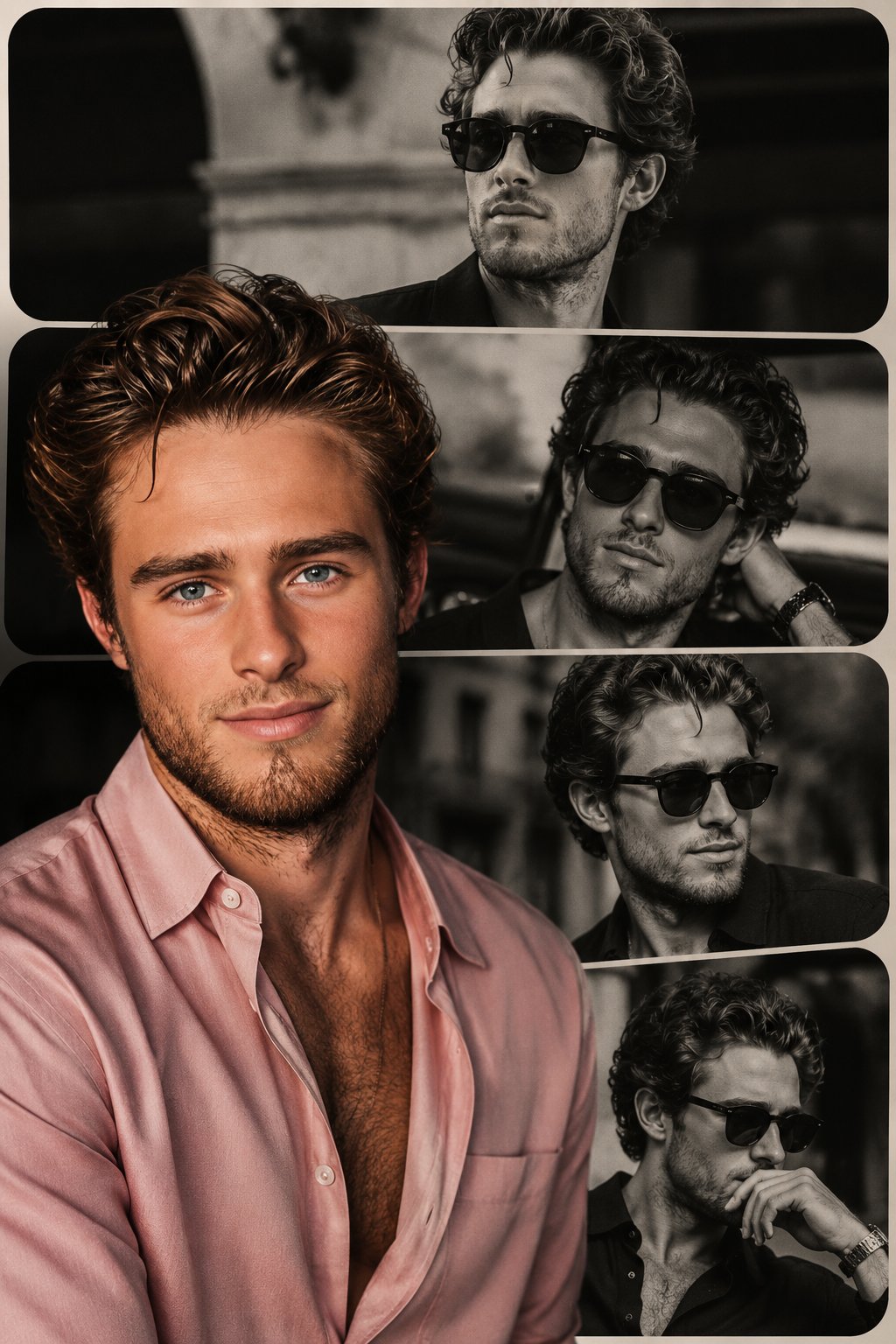
Why this prompt works
It defines the core subject and headline, specifies typography style, lighting, texture, colors, and composition to guide the model toward a cinematic, high-contrast poster with strong readability.
Use this section when you need the complete GPT Image2 prompt wording, not just the summary. Review the structure, copy the full GPT Image2 prompt as-is, and then replace the subject, brand, style, or use case to fit your own workflow. This full GPT Image2 prompt block is the best place to study how the prompt is assembled before you test your own version. Treat this GPT Image2 prompt section as the source text you refine step by step.
动态的豪华商业广告海报,特色是超现实3D渲染的充满活力的年轻女性,以上传的女性面部作为参考,穿着高级亮橙色设计师服装、豪华配饰以及时尚的金色墨镜,自信地从一个巨大的金色智能手机屏幕中爆发出色。她的姿势有力且时尚,一只运动鞋通过强烈的强制透视戏剧性地穿过数字显示屏,踏入现实。 构图在前台强调她白色豪华运动鞋,带有纹理口香糖鞋底,通过电影般的广角镜头失真和浅景深增强。漂浮的闪亮3D社交媒体图标、金色几何元素和豪华品牌图形环绕着她,营造出高端影响者营销美学。 明亮的摄影棚灯光营造出充满活力的优质促销氛围,金属金色手机边缘的丰富反射与哑光织物质地形成对比。主导的橙色、白色和金色调色板传递出超现代豪华X / Twitter 广告氛围。干净的白色背景上带有大胆的编辑排版、优质软件品牌元素、优雅的UI图形、漂浮的互动图标以及时尚的二维码区域。 超现实8K品质、电影般的阴影、精致的商业艺术指导、豪华女性能量、时尚营销美学、现代社交媒体品牌、闪亮反射以及高端数字广告风格。 宽高比:3:4。
It defines the core subject and headline, specifies typography style, lighting, texture, colors, and composition to guide the model toward a cinematic, high-contrast poster with strong readability.
Create a premium editorial poster for the headline "[TITLE]" with [TYPOGRAPHY STYLE], [LIGHTING STYLE], [COLOR PALETTE], [TEXTURE], [COMPOSITION], and [MOOD/ATMOSPHERE].
Use this GPT Image2 prompt as a working reference, not just a one-off sample. Keep the structure that already defines the output clearly, then replace the subject, typography, environment, campaign context, or aspect ratio to match your own goal. If you need more examples before rewriting the GPT Image2 prompt, go back to the Product Marketing category page or continue into the related prompts below. This GPT Image2 prompt workflow works best when you keep the original structure visible while you rewrite each key variable. A stable GPT Image2 prompt baseline usually makes revision work much faster.
Start by copying the full GPT Image2 prompt, then replace the subject, style language, and output goal with your own brief. Keep the visual structure if you want results in the same direction, and reuse the GPT Image2 prompt skeleton before you add brand-specific details. In practice, this GPT Image2 prompt works best when you change a small number of variables per iteration.
You can change the headline, product, mood, lighting, composition, typography, and end use while keeping the core GPT Image2 prompt logic that makes the example useful. In most cases, the best result comes from editing one GPT Image2 prompt variable at a time instead of rewriting everything at once. That keeps the GPT Image2 prompt structure stable while you test new creative directions.
Continue browsing
Explore more from the product marketing collection to compare GPT Image2 prompt structures, visual directions, and reusable ideas that stay close to this example. Open another GPT Image2 prompt example if you want a nearby variation before rewriting your final version. That extra GPT Image2 prompt comparison step often helps you refine the final wording with less guesswork.