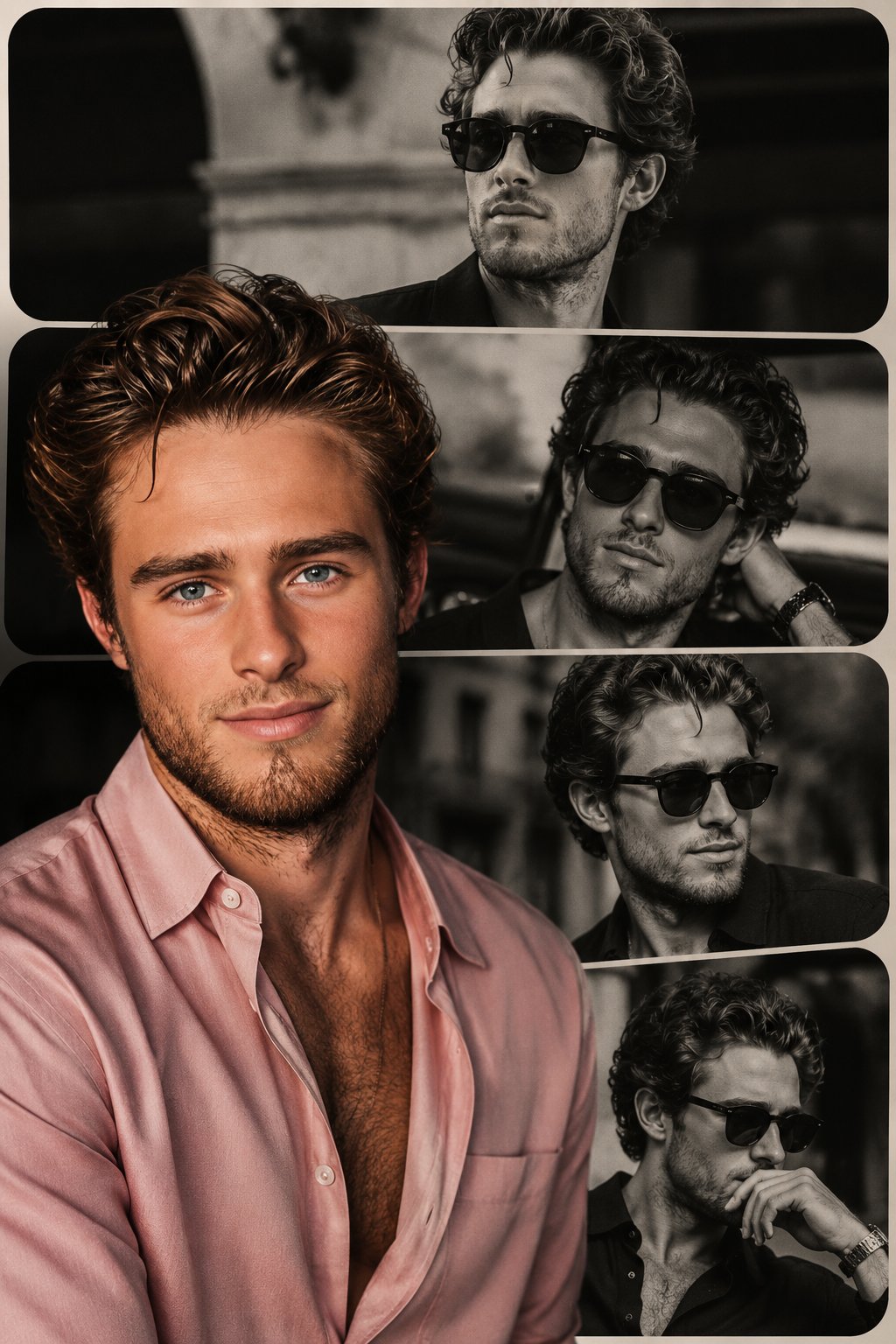
Why this prompt works
It defines the core subject and headline, specifies typography style, lighting, texture, colors, and composition to guide the model toward a cinematic, high-contrast poster with strong readability.
Use this section when you need the complete GPT Image2 prompt wording, not just the summary. Review the structure, copy the full GPT Image2 prompt as-is, and then replace the subject, brand, style, or use case to fit your own workflow. This full GPT Image2 prompt block is the best place to study how the prompt is assembled before you test your own version. Treat this GPT Image2 prompt section as the source text you refine step by step.
[中文] 照片级真实感的大胆美妆宣传活动,使用上传的模特作为精确的身份参考。不做面部改变,不做平滑处理。 场景:深红色饱和的摄影棚环境,具有高对比度的地板图案或光滑表面。 产品:产品被握持或放置在极其靠近镜头的位置,由于透视关系显得巨大。 模特姿势:俏皮或自信的微笑,手臂完全伸向相机,手指因广角镜头而略微变形。透过太阳镜的强烈眼神交流或自然凝视。 相机:超广角 20–28mm 美学,动态前景夸张,浅至中等景深。 灯光:强有力的商业照明,具有清晰的高光和反射,锐利的包装边缘,充满活力的调色。超精细的皮肤纹理和织物真实感。 [English] Photorealistic bold beauty campaign using uploaded model as exact identity reference. No facial changes, no smoothing. Scene: deep red saturated studio environment with high-contrast floor pattern or glossy surface. Product: the product held or positioned extremely close to the lens, appearing large due to perspective. Model pose: playful or confident smile, arm fully extended toward camera, fingers slightly distorted by wide lens. Strong eye contact through sunglasses or natural gaze. Camera: ultra-wide 20–28mm aesthetic, dynamic foreground exaggeration, shallow-to-medium depth of field. Lighting: punchy commercial lighting with defined highlights and reflections, crisp packaging edges, vibrant color grading. Hyper-detailed skin texture and fabric realism.
It defines the core subject and headline, specifies typography style, lighting, texture, colors, and composition to guide the model toward a cinematic, high-contrast poster with strong readability.
Create a premium editorial poster for the headline "[TITLE]" with [TYPOGRAPHY STYLE], [LIGHTING STYLE], [COLOR PALETTE], [TEXTURE], [COMPOSITION], and [MOOD/ATMOSPHERE].
Use this GPT Image2 prompt as a working reference, not just a one-off sample. Keep the structure that already defines the output clearly, then replace the subject, typography, environment, campaign context, or aspect ratio to match your own goal. If you need more examples before rewriting the GPT Image2 prompt, go back to the Product Marketing category page or continue into the related prompts below. This GPT Image2 prompt workflow works best when you keep the original structure visible while you rewrite each key variable. A stable GPT Image2 prompt baseline usually makes revision work much faster.
Start by copying the full GPT Image2 prompt, then replace the subject, style language, and output goal with your own brief. Keep the visual structure if you want results in the same direction, and reuse the GPT Image2 prompt skeleton before you add brand-specific details. In practice, this GPT Image2 prompt works best when you change a small number of variables per iteration.
You can change the headline, product, mood, lighting, composition, typography, and end use while keeping the core GPT Image2 prompt logic that makes the example useful. In most cases, the best result comes from editing one GPT Image2 prompt variable at a time instead of rewriting everything at once. That keeps the GPT Image2 prompt structure stable while you test new creative directions.
Continue browsing
Explore more from the product marketing collection to compare GPT Image2 prompt structures, visual directions, and reusable ideas that stay close to this example. Open another GPT Image2 prompt example if you want a nearby variation before rewriting your final version. That extra GPT Image2 prompt comparison step often helps you refine the final wording with less guesswork.