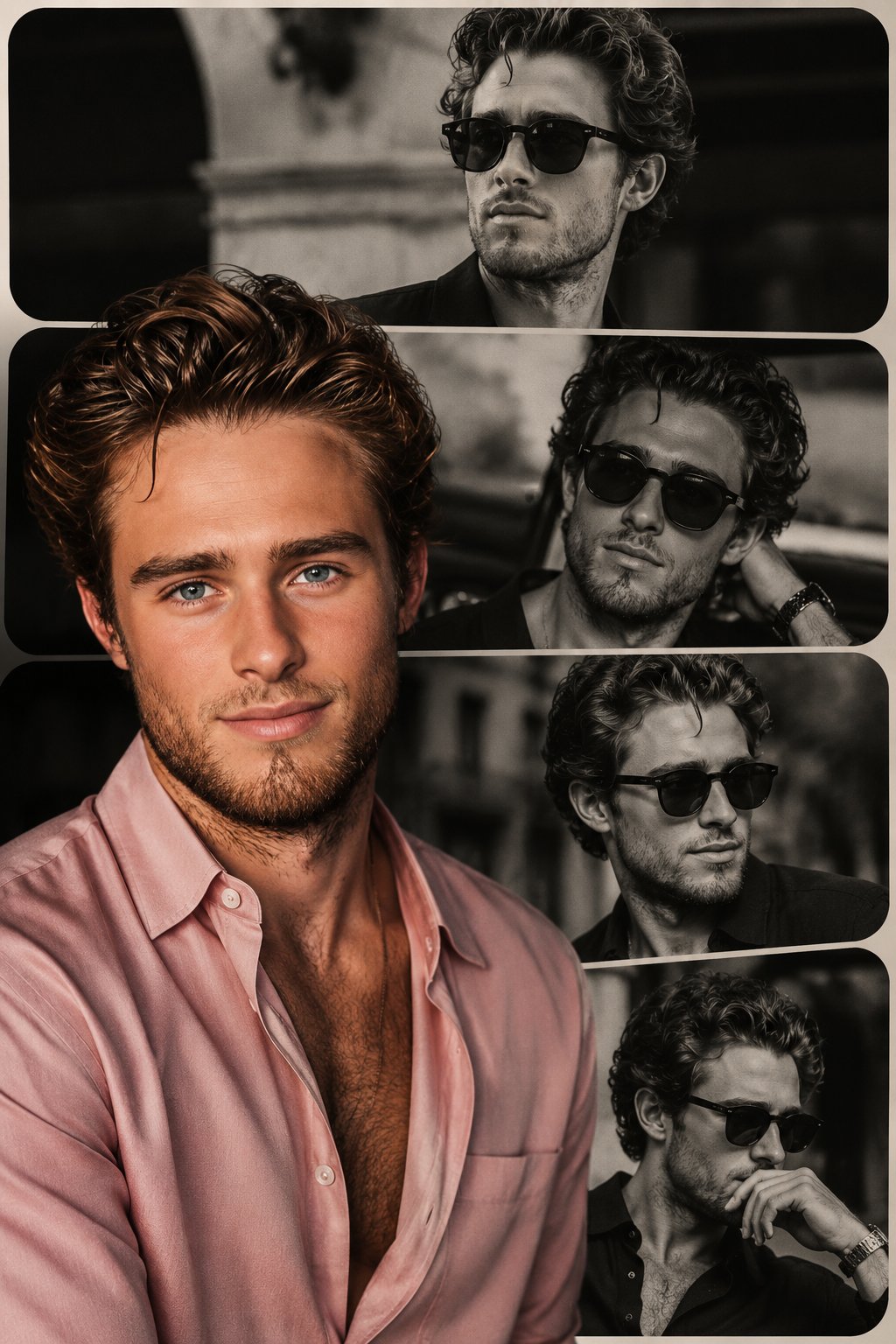
Why this prompt works
It defines the core subject and headline, specifies typography style, lighting, texture, colors, and composition to guide the model toward a cinematic, high-contrast poster with strong readability.
Use this section when you need the complete GPT Image2 prompt wording, not just the summary. Review the structure, copy the full GPT Image2 prompt as-is, and then replace the subject, brand, style, or use case to fit your own workflow. This full GPT Image2 prompt block is the best place to study how the prompt is assembled before you test your own version. Treat this GPT Image2 prompt section as the source text you refine step by step.
[中文] 超写实高端时尚商业广告大片,使用上传的模特照片作为严格的身份参考。保留精确的面部特征、比例和自然皮肤纹理——无修图,无变形。场景:珊瑚色单色工作室盒,配有光泽反光棋盘格或极简抛光地板。拥有柔和光线渐变的干净几何墙壁。产品:产品放置在前景中心超大位置,因广角透视而占据画面主导地位。包装超清晰,文字完全可读,具有逼真的反射和材质纹理。较小的产品单元可对称放置在背景中。模特姿势:站在产品后方,微蹲或前倾,一只手伸向镜头以创造深度感。强烈自信的表情,时尚态度。相机:低角度 24-35mm 镜头感,戏剧性透视畸变,对产品和模特都进行深焦处理。灯光:明亮的商业影棚灯光,柔和阴影,包装上有光泽高光,高端广告成片质感。4K–8K 写实主义,无水印,无嵌入式文本。纵横比 9:13 [English] Ultra-realistic high-fashion commercial campaign using the uploaded model photo as strict identity reference. Preserve exact facial features, proportions and natural skin texture — no retouching, no reshaping. Scene: coral monochrome studio box with glossy reflective checker or minimal polished floor. Clean geometric walls with soft light gradients. Product: the product placed oversized in the center foreground, dominating the frame due to wide-angle perspective. The packaging is ultra-sharp, fully readable, realistic reflections and material texture. Smaller product units can be placed symmetrically in the background. Model pose: standing behind the product, slightly crouched or leaning forward, one hand reaching toward the camera to create depth. Strong confident expression, fashion attitude. Camera: low-angle 24–35mm lens look, dramatic perspective distortion, deep focus on both product and model. Lighting: bright commercial studio lighting, soft shadows, glossy highlights on packaging, high-end campaign finish. 4K–8K realism, no watermark, no embedded text.i ar 9:13
It defines the core subject and headline, specifies typography style, lighting, texture, colors, and composition to guide the model toward a cinematic, high-contrast poster with strong readability.
Create a premium editorial poster for the headline "[TITLE]" with [TYPOGRAPHY STYLE], [LIGHTING STYLE], [COLOR PALETTE], [TEXTURE], [COMPOSITION], and [MOOD/ATMOSPHERE].
Use this GPT Image2 prompt as a working reference, not just a one-off sample. Keep the structure that already defines the output clearly, then replace the subject, typography, environment, campaign context, or aspect ratio to match your own goal. If you need more examples before rewriting the GPT Image2 prompt, go back to the Product Marketing category page or continue into the related prompts below. This GPT Image2 prompt workflow works best when you keep the original structure visible while you rewrite each key variable. A stable GPT Image2 prompt baseline usually makes revision work much faster.
Start by copying the full GPT Image2 prompt, then replace the subject, style language, and output goal with your own brief. Keep the visual structure if you want results in the same direction, and reuse the GPT Image2 prompt skeleton before you add brand-specific details. In practice, this GPT Image2 prompt works best when you change a small number of variables per iteration.
You can change the headline, product, mood, lighting, composition, typography, and end use while keeping the core GPT Image2 prompt logic that makes the example useful. In most cases, the best result comes from editing one GPT Image2 prompt variable at a time instead of rewriting everything at once. That keeps the GPT Image2 prompt structure stable while you test new creative directions.
Continue browsing
Explore more from the product marketing collection to compare GPT Image2 prompt structures, visual directions, and reusable ideas that stay close to this example. Open another GPT Image2 prompt example if you want a nearby variation before rewriting your final version. That extra GPT Image2 prompt comparison step often helps you refine the final wording with less guesswork.